Create with AI
Proposals, decks, contracts and invoices in your brand.

 AI Document CreationTurn notes and briefs into polished documentsClient PortalBranded client workspaces on your domainProject ManagementRun every client engagement on one boardBrand Kits and preferenceLock fonts, colours, and tone per clientDocument AnalyticsSee who opens, reads, and signsMedia LibraryOne asset store, filtered per client
AI drafts your proposals, contracts, decks, and invoices. Clients open, review, and sign them in a portal under your brand.
“We replaced the proposal tool, the portal tool and the e-sign tool in one afternoon. Clients think we built the portal ourselves.”
Proposals, decks, contracts and invoices in your brand.
Every document, project and asset filed by client.
Create with AICreate with AI Proposal
 Report
 Sheet
Sheet Contract
 Deck
Deck Invoice
 Form
Form Brief
Brief Document
 Design
 Whiteboard
 Embed
Embed Site ReviewImport
 DraftSpring Campaign Launch
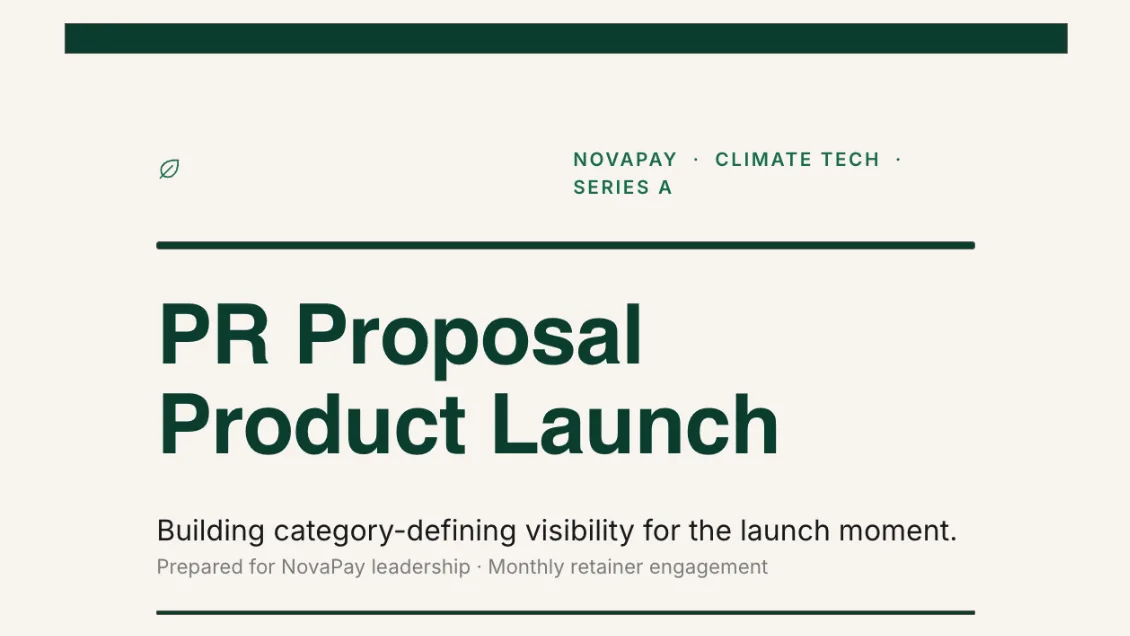 SentProduct Launch Proposal
 DraftQuarterly Review
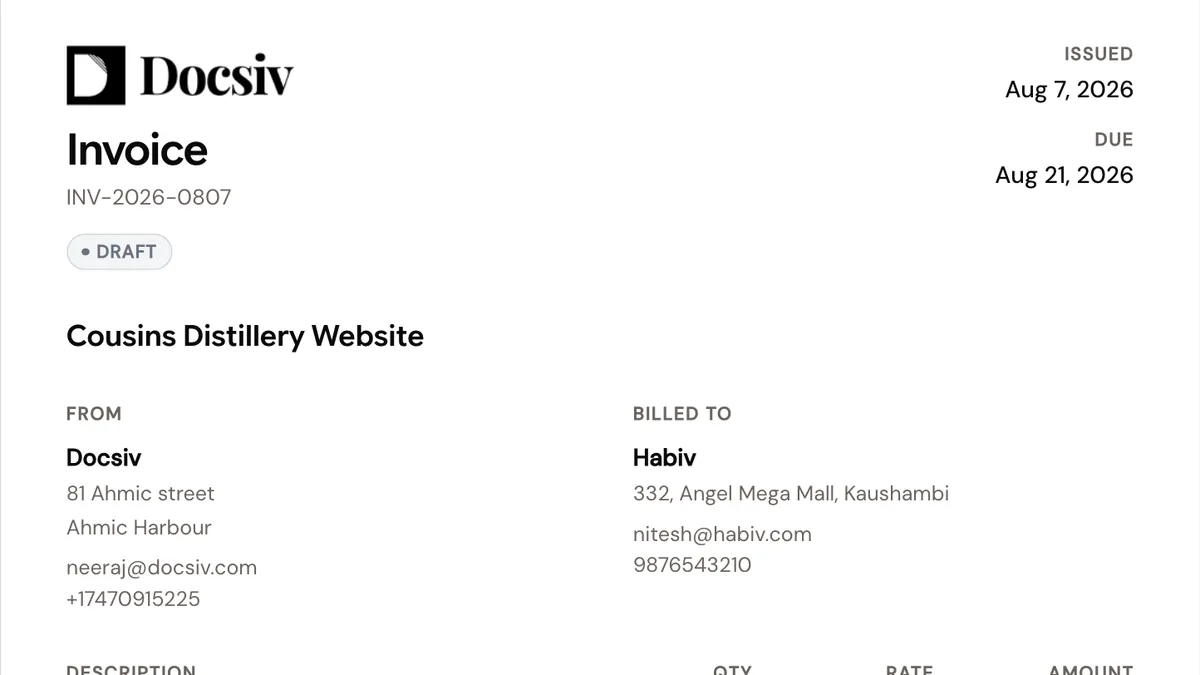 SentWebsite Build Invoice
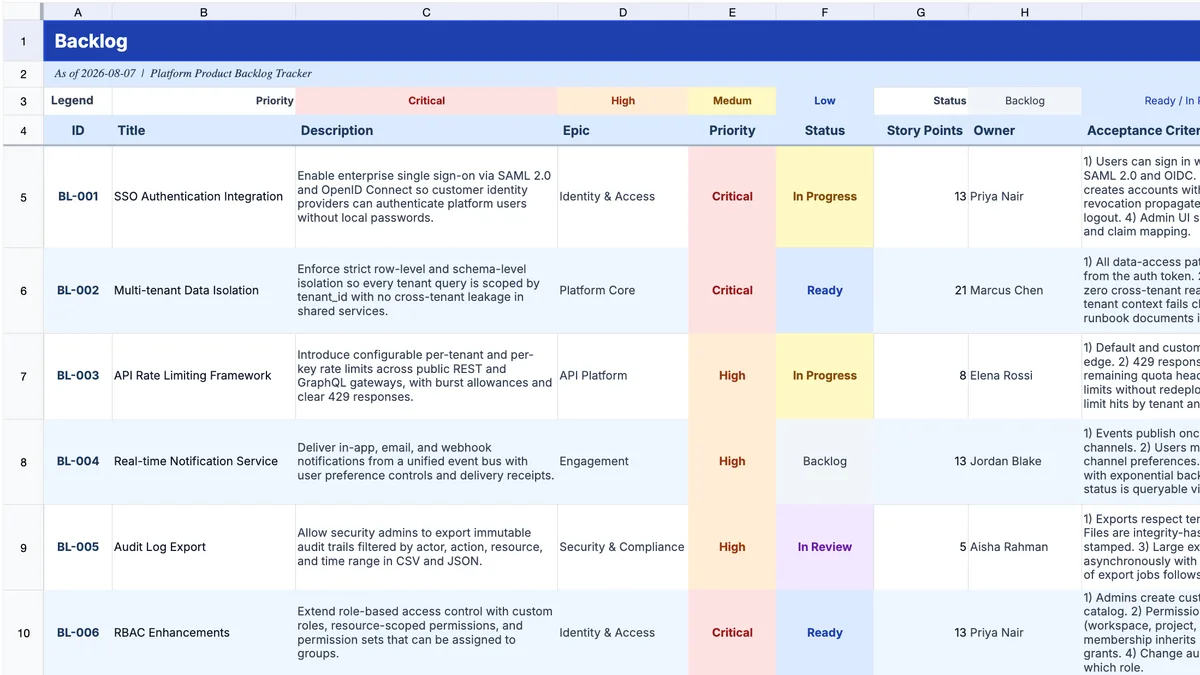 DraftProduct Backlog
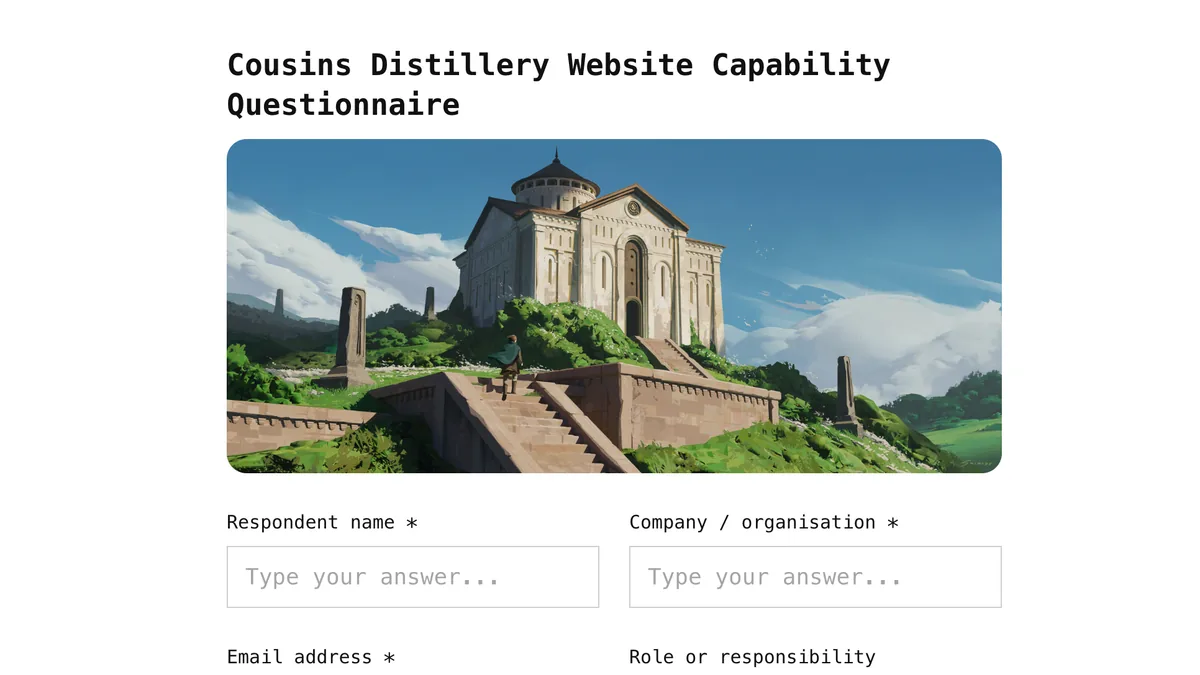 SentCapability SurveySpring Campaign LaunchDeck · Meridian StudioProduct Launch ProposalProposal · Meridian StudioQuarterly ReviewDeck · NorthwindContract · Meridian StudioWebsite Build InvoiceInvoice · Northwind
Review, approve and sign in one branded place.
Product Launch ProposalProposalQuarterly ReviewDeckWebsite Build InvoiceInvoiceDrop in whatever you have. Docsiv drafts it in the client's brand, then you share it as a tracked link, an export, or a portal item.
Drop in notes, PDFs, links, or a quick voice memo.
AI drafts proposals, documents, decks, and contracts in your client's brand.
Send a tracked link, export a file, or drop it straight into the client portal.
Drafted by AI, delivered under your brand, signed without another tool.
ProposalScope, timeline and a pricing table that totals itself, with the signature block already in place.
ContractYour terms filled in for this client, ready to e-sign without a second subscription.
DeckA full presentation in your brand, exported as a real PowerPoint file rather than flat images.
ReportYour numbers written up for the client, with the headline results and what to fix next.
InvoiceLine items taken from the scope you already wrote, with tax and totals calculated for you.
FormChat-style, single-page or multi-step forms in your brand, with every response in one place.
SheetDescribe the numbers you need and get a client-ready sheet with working formulas.
DocumentDesignBriefWhiteboardEmbedSite ReviewDocuments, designs, briefs, whiteboards, embeds and site reviews, all in the same workspace.
Set your logo, colour, and domain once. Every client gets their own portal to review, approve, and sign. Explore the client portal
Clients sign in at your own address and see your brand, not Docsiv.
Invites, reminders, and signing requests go out under your name.
Proposals, contracts, and approvals wait in one place, ready to e-sign.
Each client sees their documents, projects, files, and support threads. Nothing else.
Before it writes a word, Docsiv pulls in the client's brand kit, your media library, and the documents you've already made for them. You review every draft before it goes out.
AI EditorLogo, colours, fonts, and tone come from the client's brand kit, so the first draft already looks right.
Upload your files once. Docsiv uses the client's own assets, not stock photos.
Past drafts, notes, and messages feed the next document, so you never start from zero.
Earlier proposals, reports, and contracts shape new ones. You check facts and scope before sending.
Write it together, see who reads it, keep every version, publish it to the web, and collect signatures, without leaving the document.
Sign and countersign inside the document, with a record of who signed and when. No separate e-sign tool.
See which shared documents clients open, revisit, and spend time with.
Write together in real time. See everyone's cursor, edits, and comments as they happen.
Every save is recorded with who changed what. Preview and restore any earlier version.
Put any document live as a web page, with a custom slug, search preview, and control over whether Google indexes it.
Plan the work, answer client questions, and keep every file in one shared library, right next to the documents you send them.
Board, list, and timeline views for the work behind each document. You choose which tasks the client sees.
All client questions in one shared inbox. Reply with documents attached, and close the thread when it's solved.
One place for all your files. Filter by client, organize in folders, and share to the portal.
Proposals, contracts, decks, and client portals for the people who deliver for clients.
 For agenciesMarketing agenciesProposals from real context, brand applied, and a client portal account managers keep current.
 For consultantsConsultantsStructured contracts, review decks from your source material, and branded delivery for every client.
 For studiosCreative studiosBrand kits hold each client's fonts, colors, and tone. Decks, briefs, and case studies draw on them.
 For freelancersFreelancersOne workspace instead of a pile of tools. Portals make you look bigger, AI drafting does the repeatable work.
 For salesSales teamsProposals from call notes, structured pricing, and branded pages prospects can open, review, and sign.
 For startupsStartupsPitch decks from a prompt and your metrics, investor updates, and a brand system a two-person team can keep up with.
Replace your pile of tools with one workspace your clients will actually love.